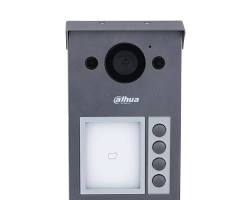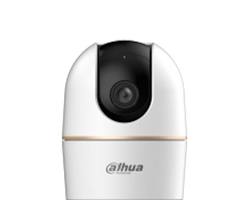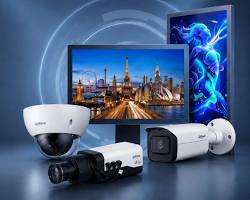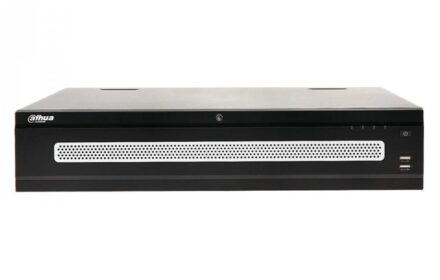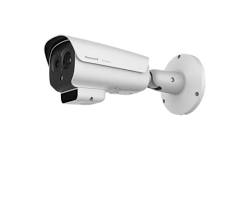
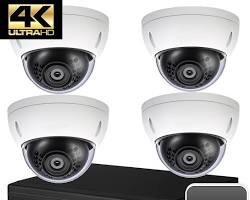
Keeping your Dahua IP cameras, NVRs, and XVRs updated with the latest official firmware is critical for maintaining cybersecurity, unlocking new AI features, and ensuring overall system stability. Installing outdated or incorrect firmware can lead to system vulnerabilities or device malfunctions.
Below is a complete technical guide on how to safely locate, verify, and download official Dahua firmware updates for your surveillance equipment.
1. Official Sources for Dahua Firmware Downloads
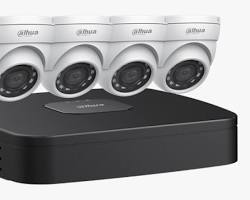
Always source firmware files directly from official Dahua portals or authorized tools to ensure file integrity and avoid security risks:
| Download Source | Type | Best For |
| Dahua Official Download Center | Web Portal | Manual searches by exact camera or recorder model number |
| Dahua ConfigTool (PC/Mac) | Desktop Software | Auto-detecting devices on the local network and performing batch updates |
| Dahua Partner Portal | Partner Portal | Installers and system integrators seeking specialized project firmware |
2. How to Update Dahua Firmware Safely
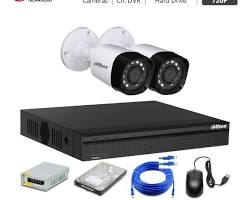
Updating device firmware requires strict adherence to proper procedures to prevent bricking hardware:
- Identify the Exact Model & Hardware Version: Check the label on your camera/recorder chassis or view the system info page in the web interface to find the exact model code (e.g., DH-IPC-HFW2431T-AS-S2).
- Download the Correct
.binFile: Locate the matching firmware package from the official Dahua site and extract the.ziparchive. - Backup Device Configuration: Export your device settings prior to upgrading so you can restore them if needed.
- Execute Upgrade via ConfigTool or Web GUI:
- Web GUI: Go to
Management > System > Upgrade, select the.binfile, and click Upgrade. - ConfigTool: Select the target device from the network list, go to the Device Upgrade tab, browse for the
.binfile, and click Upgrade.
- Web GUI: Go to
- Do Not Power Off: Ensure the power supply remains completely uninterrupted during the 3–5 minute flashing and reboot process.
Conclusion
Regular firmware maintenance keeps your Dahua video surveillance network fully protected against emerging security threats and ensures compatibility with modern management software like DMSS and DSS Pro. Always double-check model numbers before upgrading, and use official Dahua utilities like ConfigTool for smooth, error-free updates.
Need Assistance Choosing the Right Surveillance System?
Navigating security camera options and configurations can be complex. Whether you are looking to secure your home or upgrade your business coverage, our technical specialists are ready to help you select and deploy the ideal Dahua security solutions tailored to your needs and budget.
Contact Our Security Specialist Directly:
Phone / WhatsApp:
+966556088894